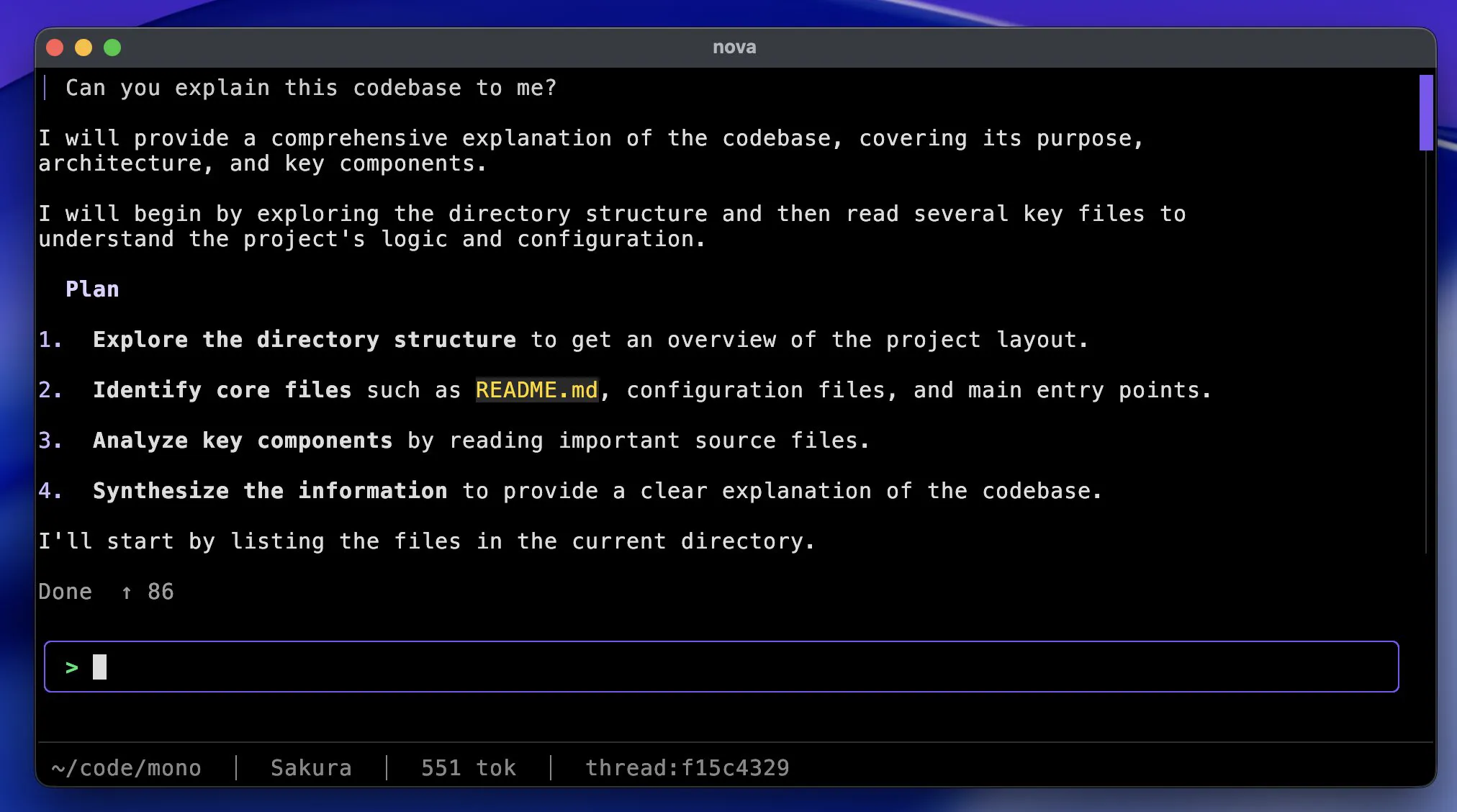
Today we are introducing Nova Code, an agentic coding assistant that lives right where developers already spend their time - the terminal. Nova Code reads your codebase, makes precise edits, and runs commands on your behalf.
No context switching
Nova Code doesn't ask you to copy and paste code back and forth. It reads your repository, searches through files, and edits code with precise diffs, then runs your build or test suite to check its own work.
Built for real engineering work
Nova Code is designed to be a focused agent, not a chat window bolted onto your editor:
- Right in your terminal: No context switching. Nova Code reads your repo, runs commands, and edits files without ever leaving the shell.
- Real tool use: Searches files, reads and edits code with precise diffs, and runs builds or tests as part of one continuous session.
- Extensible with skills: Drop instructions into
.agents/skillsand Nova Code picks them up automatically for project-specific workflows. - Bring your own model: Works with Nova out of the box, or point it at any compatible provider.
Getting started
Nova Code is built to be up and running in a minute:
- Install - run the one-line installer for your platform. There's nothing else to configure.
- Sign in - run
/logininside Nova Code to connect your Dekipi account. - Start building -
cdinto a project, runnova, and describe what you want. Let it do the rest.
On macOS or Linux:
curl -fsSL https://nova.dekipi.com/cli/install.sh | sh
On Windows:
irm https://nova.dekipi.com/cli/install.ps1 | iex
What's next
This is only the beginning for Nova Code. We're continuing to invest in deeper tool use, broader model support, and more ways to tailor it to your team's workflows. As always, your feedback shapes where we take it next - share your thoughts on our feedback page: dekipi.com/feedback/nova.
Try it out today: Install Nova Code and bring an agentic coding assistant into your terminal at dekipi.com/nova-code.